YouTube videoBuild with me · Ep 02
what i do before coding any app as a head of design
Ten minutes of planning before you build: clarifying what you’re building and why, gathering visual inspiration and even creating a custom avatar.
- Series
- Build with me · Ep 02
- Length
- 12:12
I’ve built +50 apps over the last year & time and time again I’ve realized: skipping the planning phase always ends up costing more time (& creating unnecessary headaches) down the line.
I’ll share a super simple approach that works for me, as well as a free Figma Slides template to get you started.

Context & scoping
Before I start building, it helps me to take some time to think about the context, constraints & objectives. It helps me clarify the idea in my mind, to then be able to scope a reasonable MVP & communicate my plan clearly to an LLM.
What are we building?
For our example, we’ll use the same simple idea across our series:
a simple cooking timer for my pasta
it should just allow me to start an 8, 10, 12, or 14-minute timer depending on the type of pasta that I'm making
End goal?
A simple web prototype for my personal use. And maybe for my girlfriend. Nothing fancy.
What’s the problem or job to be done?
Just build a cute and reliable cooking timer that I can use to cook pasta.
It's supposed to make me smile. That's it
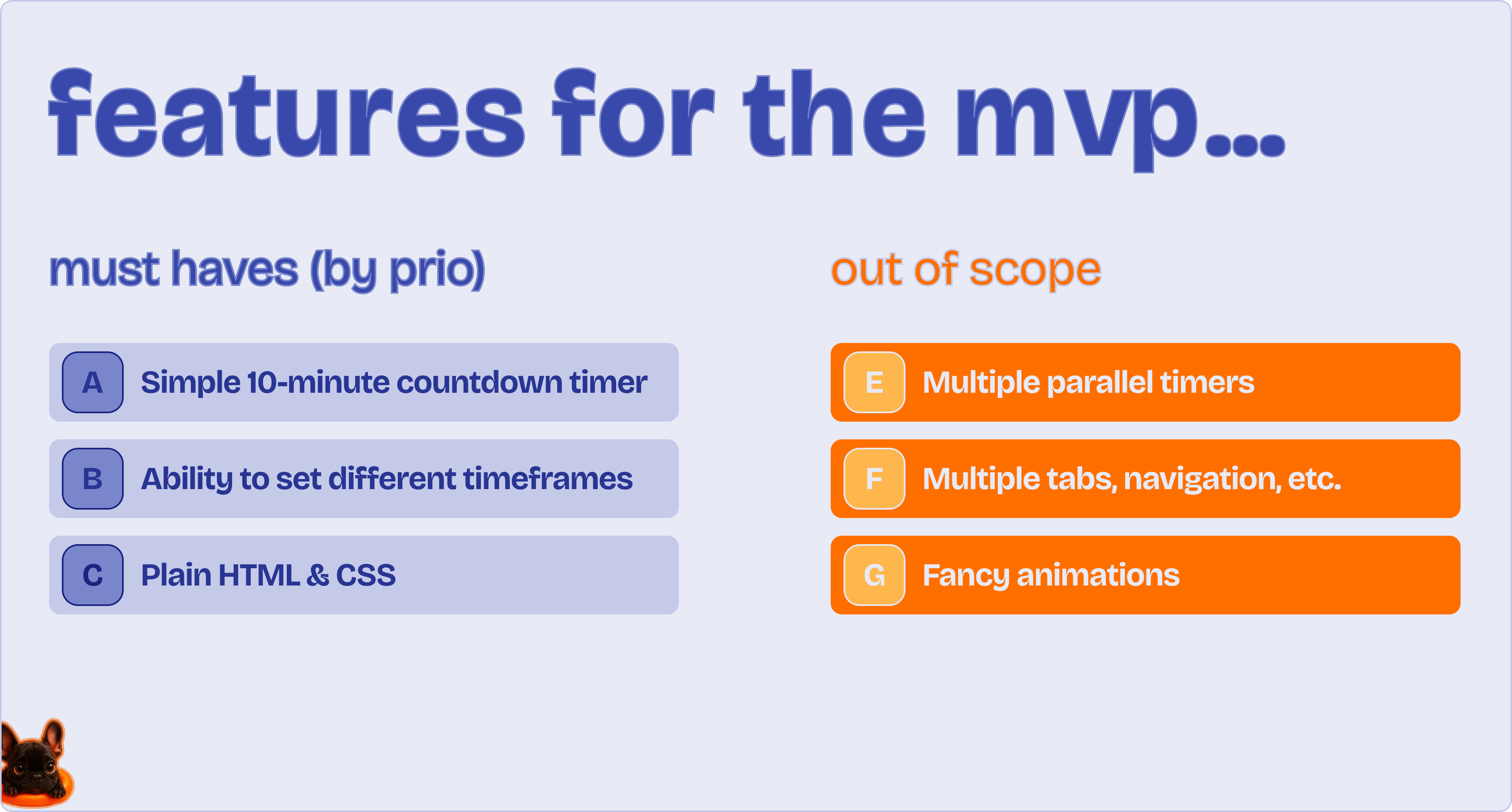
What is in AND out of scope?
Research & visual direction
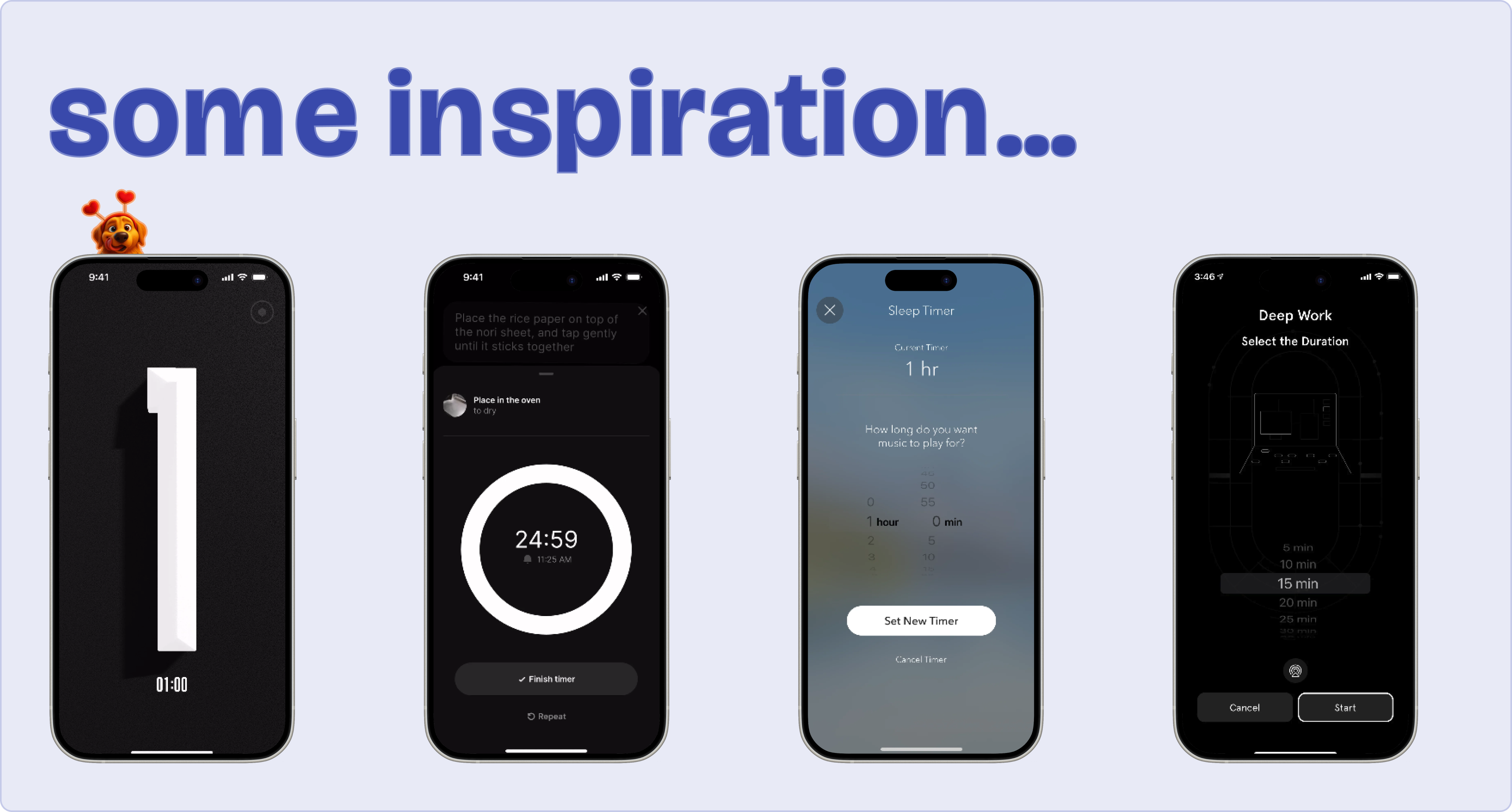
I find that most problems have been faced by other, often very smart people. I don’t really buy into "Imitation is the sincerest form of flattery", but looking at sites like Mobbin, Dribble or even the App Store does often help me come up with new ideas & approaches to the issue at hand.
In this case, I loved the simplicity and huge fonts of the (not boring) timer - it makes it easy to read from across the kitchen.
Creme is another cooking app, that I admire for its clean & simple UI. The circular timer approach is a direction we could explore as well.
Finally, the timers from Calm and Endel made me think about the trade-off between granularity & simplicity. Do I need to be able to set the amount of seconds? Or will minutes do the trick & make for a simpler experience?
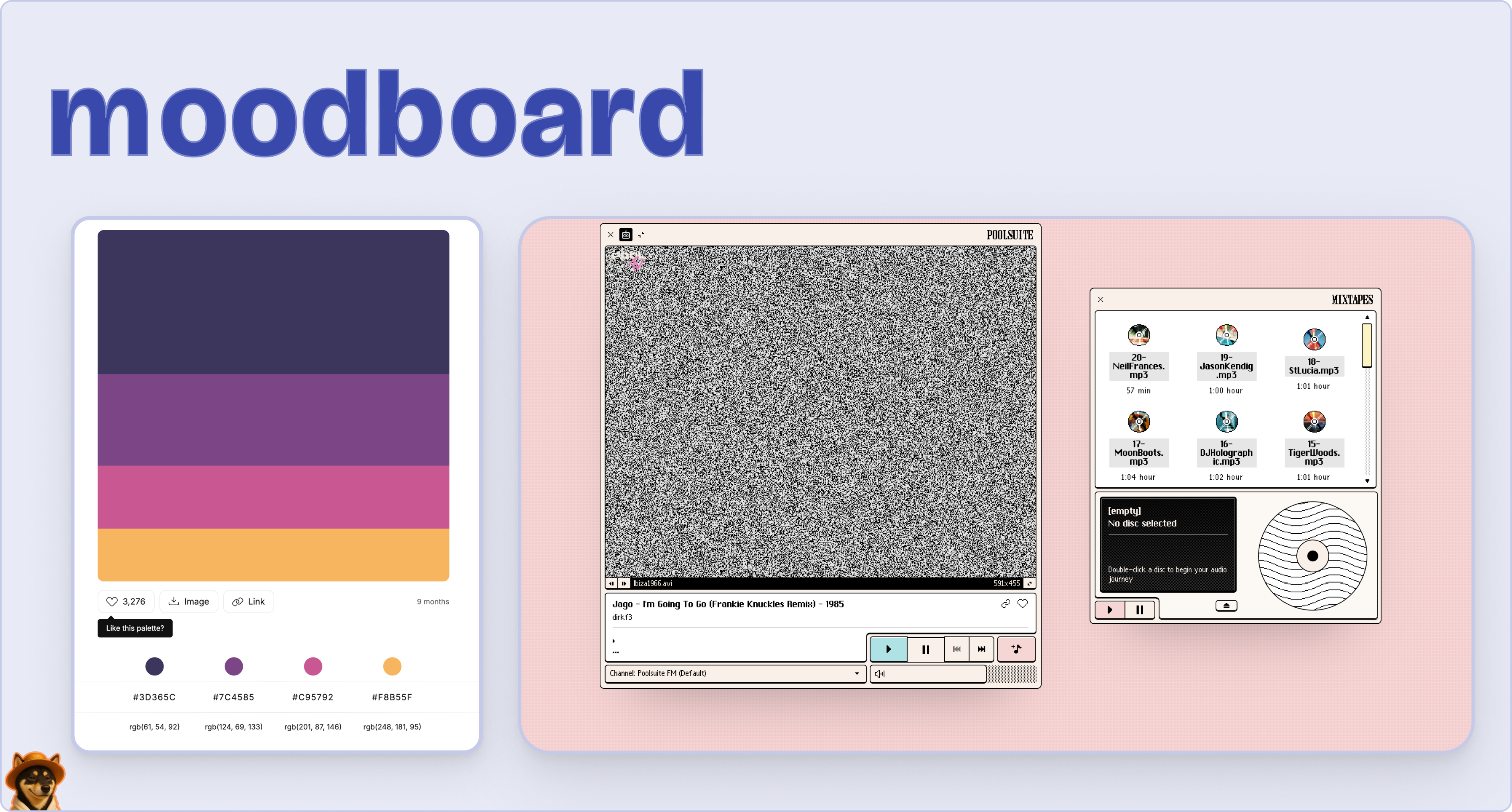
Something else I have found to increase the quality of the output of any AI app builder or LLM is concrete visual references & a color scheme. Color Hunt is greating for exploring different color combinations, and most often I have apps in the back of my head with different visuals that I appreciate in different scenarios.
In this case, I had just rediscovered Poolsuite (an awesome retro internet radio), and wanted to try a similar retro, soft pastel-look and feel for our little timer.
For fonts (skipped for this series for simplicity’s sake), I can recommend Font pair or the good old Google fonts.
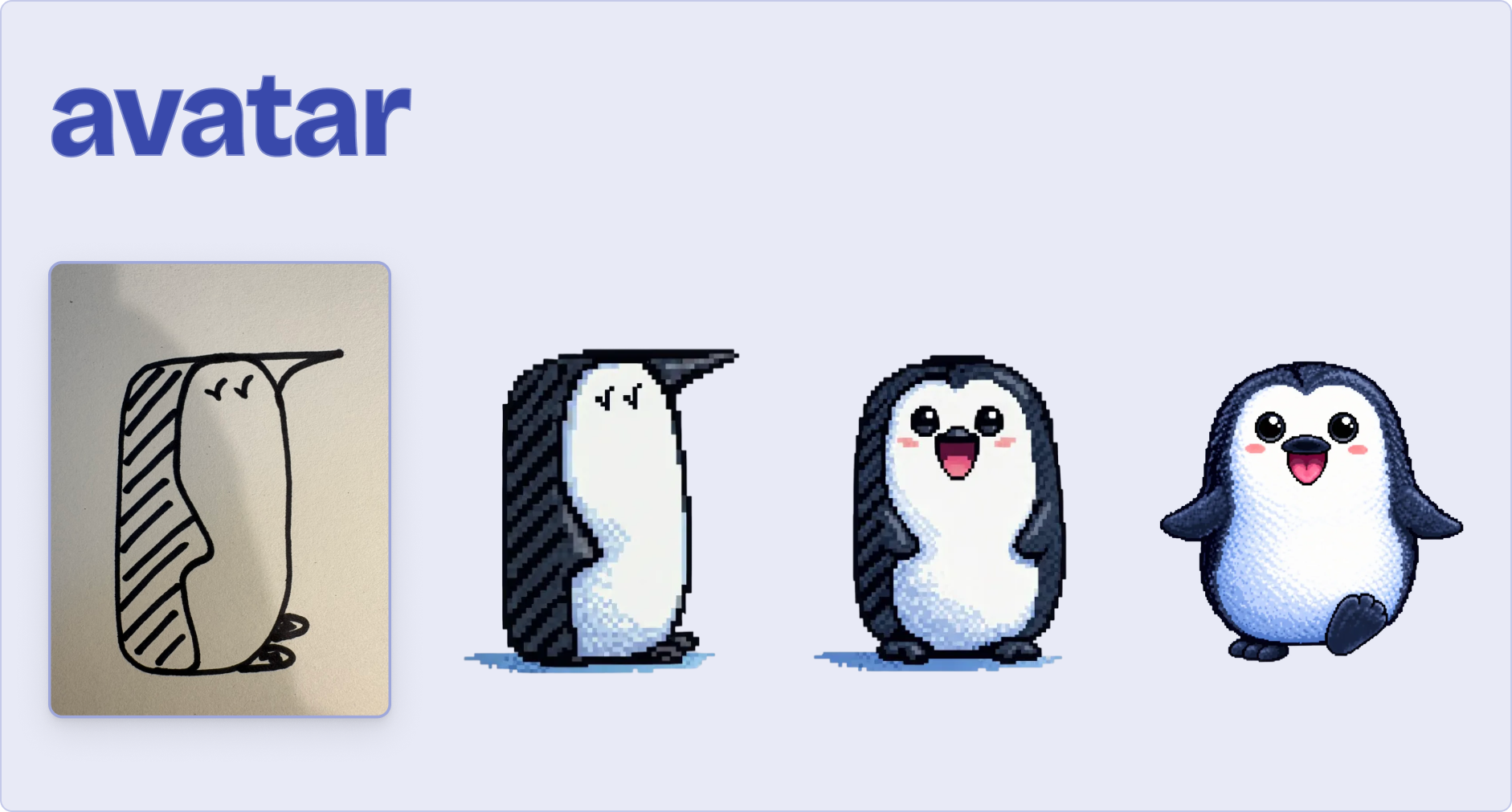
Finally, I have found that an avatar can make apps come alive and more personal. Sketching things by hand and either feeding a picture of my (poor) sketches to the LLM or previously running them through Sora or Nano Banana gives the app a human touch and makes the outcome feel less like your average AI-slop.
I personally use Figma slides (free template here), to quickly go through the questions above & then just copy/paste screenshots of those summary slides into Claude Code to craft a great initial prompt.

"Plans are useless, but planning is indispensable"
I often find myself throwing my initial thoughts over board as I hold the MVP in my hands. Or as Claude pokes holes into my thinking and makes me come up with a new plan. But it’s still a valuable exercise that will elevate the quality of your final output.
Aggressively scope down & simplify the mvp
What does this app need to do? For our timer: set a duration (presets or custom), show a countdown, play a sound when done. That’s it. Everything else is out of scope for the mvp.

Color palettes: Color Hunt
Fonts: Font pair or Google fonts
Image gen: Sora, Nano Banana
FYI - not sponsored. Just my current favorites.

In episode 3, we’ll take all of the answers to our questions & visual inspiration and give them to Claude or ChatGPT to help us craft a great prompt we can use for Figma Make, and down the line Lovable, Cursor and Claude Code as well.

If you’re enjoying these episodes, feel free to reach out & let me know what you’d love to learn more about: workflows as a product/design lead, tools I would recommend, or something else.
See you soon,
Harry
P.S. Subscribe on YouTube to catch each episode as it drops.