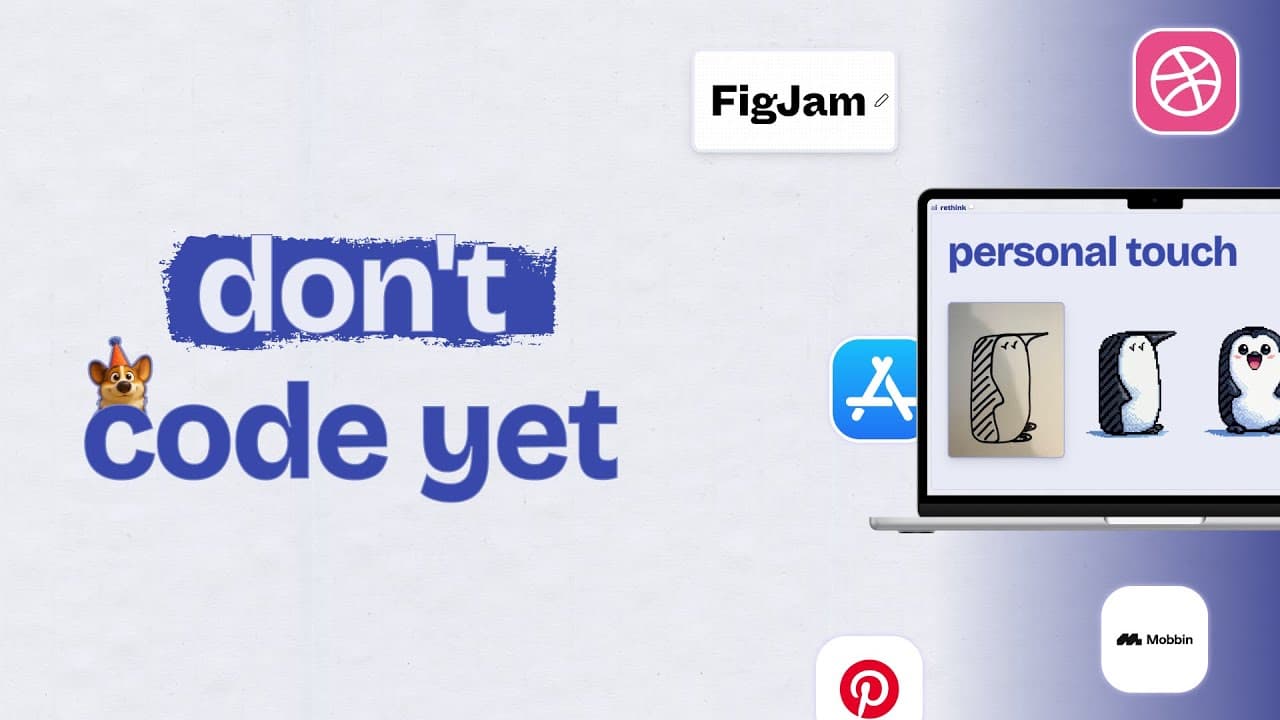
YouTube videoBuild with me · Ep 01
how i teach friends to build apps as a head of design
After building 50+ apps as a "non-technical" person, the plan for this series: the same app, built with Figma, Lovable, Cursor and Claude Code, from web prototype to native apps.
- Series
- Build with me · Ep 01
- Length
- 2:56
Over the last year, I’ve built +50 websites & apps. I started with no-code tools like Framer, but as AI tools got better, I gradually shifted to more advanced tools like Lovable, Cursor & now Claude Code.
I’ve spent 12+ hours a day for over a year experimenting with these tools & it’s changed not only how I think about work, but how I approach my personal life too.
Chatting with friends, I realized time & again that:
I’m living in a bubble: out of time, or other constraints many people I chatted with still haven’t played around with these new tools.
It’s magical: once they get the core concepts, everyone has a myriad of ideas on how these tools can improve their (work) lives
I love witnessing people’s “Aha” moment & seeing what creative new things they come up with. It’s the reason I work in education: I believe everyone has creative potential waiting to be unlocked.
That’s why I’m making this series. To share what I’ve learned—not as an expert (I change my mind constantly on setups, prompts, and workflows), but as someone who’s obsessed with figuring this out and happy to share the mishaps along the way.

I want to bring you along the same journey I went through myself over the past year or so. It’s the same process I have had friends & colleagues go through, when they asked me how they should best get started.
So in this first series, we’ll build the same app: a simple, cute cooking timer in a few different ways, from the easiest, to the most advanced ones.
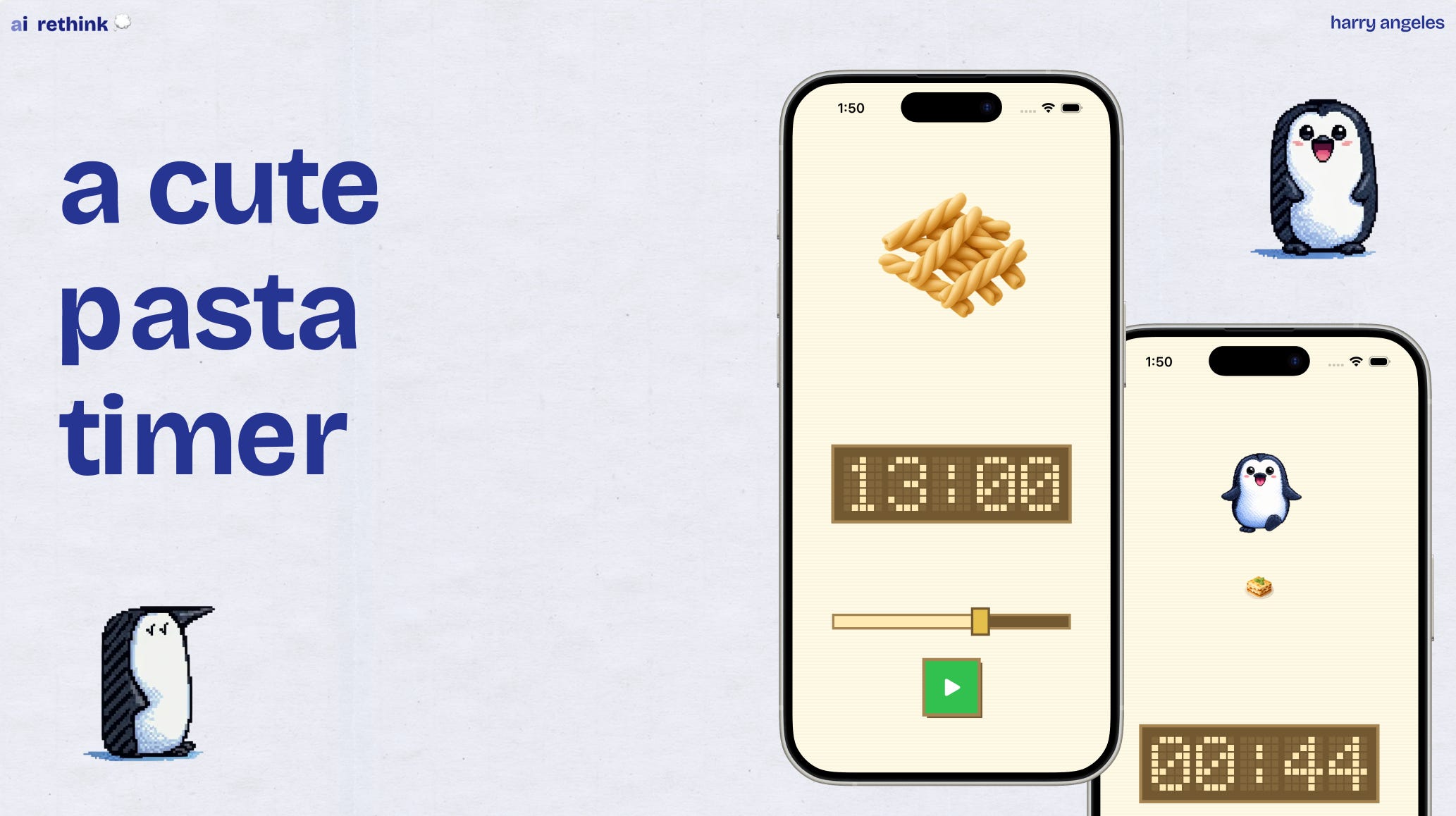
The 4 tools we’ll use in this series
Figma Make (easiest transition for PMs & designers)
Lovable (a more powerful alternative to Figma Make)
Cursor (much more flexible & powerful, but potentially intimidating for non-technical folks)
Claude Code (my go-to, but often perceived as “scary”)

You don’t need to be technical to build apps anymore
I taught myself to code over the past year using AI tools. The barrier isn’t knowledge, it’s just getting started.
Still, technical foundations help you go further & I will share my learnings on that down the line as well.
Start with the tools you already know
For most designers & PMs, that’s Figma Make. It lets you publish a working prototype with zero code.
It’s still limited, but allows you to quickly reach a wow moment & have something to share.
Gradually experiment with more advanced tools
You will outgrow Figma Make. At least I hope. Tools like Lovable allow you to easily add things like Google sign-in. Cursor takes off the training wheels & removes any limits. Claude Code can be intimidating, but is even more powerful & truly magical.
Perfectionism & the fear of breaking things
This series exists because I want you to overcome the initial fear of “breaking something” or building something “nobody cares about”. Just get started and see what happens. Iteration is the key.
At my day job, we conduct user interviews, usability tests & run A/B tests on millions of users. For a personal app? Just build what feels right and iterate based on feel.

FYI - not sponsored. Just my current favorites.

In episode 2, we’ll go over the planning step everyone skips. Before we touch any tools, I’ll show you how I research, scope, and set visual direction for a new app.

If you’re enjoying these episodes, feel free to reach out & let me know what you’d love to learn more about: workflows as a product/design lead, tools I would recommend, or something else.
See you soon,
Harry
P.S. Subscribe on YouTube to catch each episode as it drops.